Primary Logo
The wordmark is designed to feel clear, warm, and quietly confident.


Dock Brand Guidelines
Logo
Dock’s logo is designed to be simple, recognizable, and uniquely ours. The symbol represents connection and momentum, while the wordmark conveys confidence, clarity, and approachability.
As one of our most visible brand assets, the logo serves as a powerful expression of Dock’s identity and should be used consistently across all touchpoints.
Select the logo variation that provides the best contrast and legibility for the environment in which it appears.

Primary Logo
The wordmark is designed to feel clear, warm, and quietly confident.
Clear space
Clear space helps preserve the visibility and impact of the Dock logo. Keep all text, graphics, and other elements outside the minimum clear space area defined by X.
The diagrams below illustrate the minimum required clear space for the logo.

Symbol
The Dock symbol is our most compact brand asset. It is used when the Dock name is already present or when additional brand context is unnecessary.
Distinctive and highly recognizable, the symbol helps create a consistent presence across product, marketing, and communications.
Multiple variants are available to ensure legibility across light, dark, and photographic backgrounds.


Clear space
Maintain a minimum clear space of X around the Dock symbol at all times. This area should remain free of text, imagery, and other graphic elements to ensure maximum visibility and recognition.

Color
Dock Blue is our signature color and one of the most recognizable expressions of the Dock brand.
Whether in product, marketing, or communications, it should be used intentionally to create focus, consistency, and recognition.
Dock Blue
Dock Blue is the cornerstone of our visual identity. It should appear consistently across brand touchpoints and be used intentionally as our primary accent and signature color.
While bold applications of Dock Blue can create strong brand recognition, its impact comes from thoughtful use rather than sheer volume. Whether through interface elements, illustrations, photography, lighting, motion, or graphic details, Dock Blue should feel purposeful and refined.
Look for opportunities to make Dock Blue a distinctive presence throughout the brand experience while maintaining clarity, balance, and restraint. Dock Blue should feel intentional, not incidental.
Supporting Colors
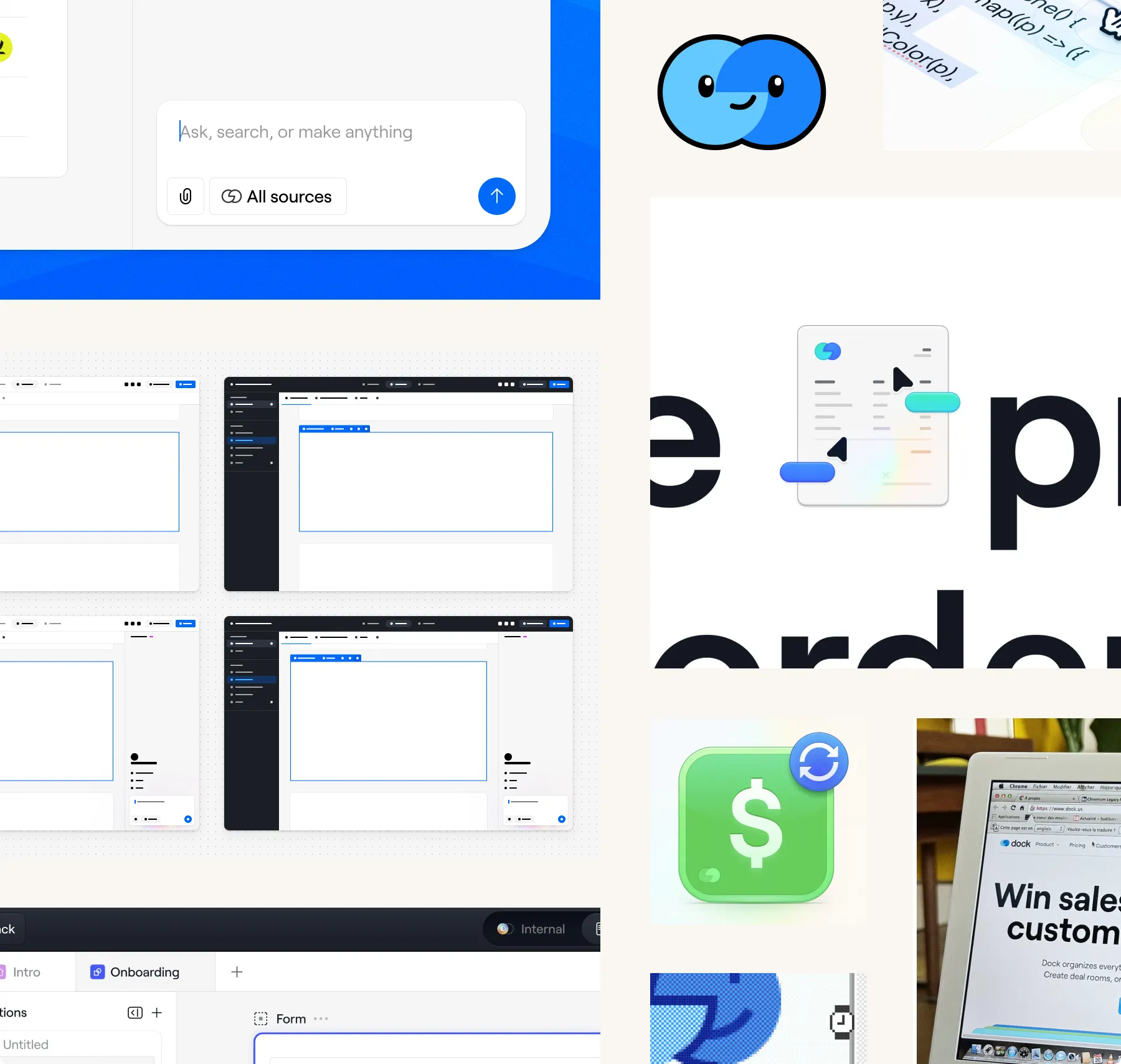
Supporting colors bring depth, warmth, and flexibility to the Dock system while maintaining a calm and cohesive feel.
Neutral tones provide structure and clarity, while accent colors introduce subtle moments of energy, focus, and emotion throughout the experience.
Accent colors should be used sparingly and with intention supporting the experience rather than dominating it.
Typography
Dock’s typographic system is built around Roobert, a contemporary neo-grotesque typeface that balances precision, warmth, and clarity.
The system is designed to feel structured yet human, bringing consistency across product and brand while leaving room for expressive and editorial moments when appropriate.
Weights
Dock’s typographic system relies on a focused selection of three core weights: Light, Regular, and Medium. This restrained approach creates a more consistent and intentional visual rhythm across product and brand applications, balancing clarity, warmth, and emphasis without unnecessary complexity.
Light
Regular
Medium
Docky
Docky brings a sense of warmth and personality to Dock. You’ll find it throughout the product in moments that benefit from encouragement, explanation, or celebration.
Rather than serving as a marketing asset, Docky is primarily used within the product experience to make Dock feel more approachable, helpful, and human.
Motion
Dock’s motion system is inspired by the movement of information through connected systems.
Motion should feel fluid, purposeful, and alive—helping users understand activity, progress, and relationships across the product while reinforcing a sense of intelligence, continuity, and flow.
Thinking
Thinking represents Dock at work. Through generative motion, it visualizes ideas, information, and activity coming together in real time.
Used in loading states, transitions, and ambient moments to communicate progress, intelligence, and momentum throughout the Dock experience.
Backstage
Backstage is a collection of subtle operational movements that communicate activity behind the scenes.
Used sparingly across the product, these motions reinforce the sense that Dock is continuously working on behalf of users, even when that work remains invisible.
Resources
Google Slides templates, Figma libraries, motion assets, product screenshots, downloadable brand files, and more.